The Index Page!
Figured it would be nice to show how I put together the stuff on the homepage as it was quite the task lol.
Huge shoutout to Luke (aka Hops Aesthetic) for assistance in this endeavour!
Concepts and Planning
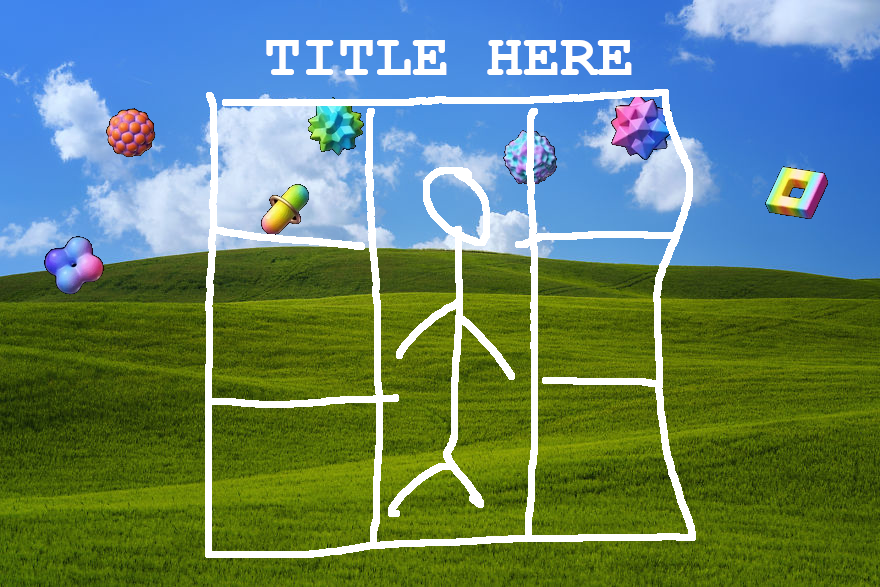
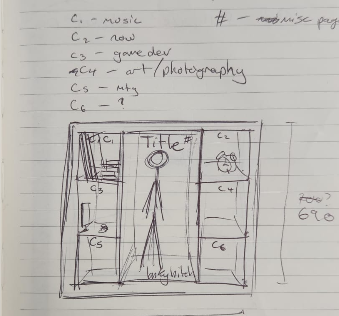
As you can see by the earlier concepts, I really didn't stray too far from my initial goal at all really. The locations of each of the boxes ended up changing, and im not really sure what that clock in the top right was supposed to represent. Whatever it was, it didn't make the cut
What is not shown in any of these, is the plan to make the stop motion on mouse hover idea. Which was a concept from the get-go
Taking Photos
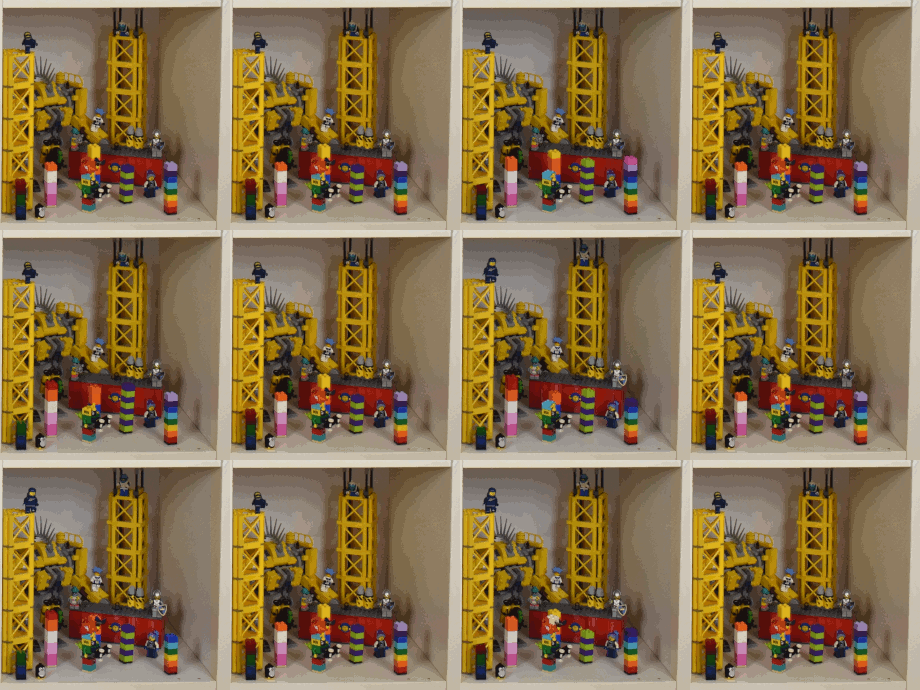
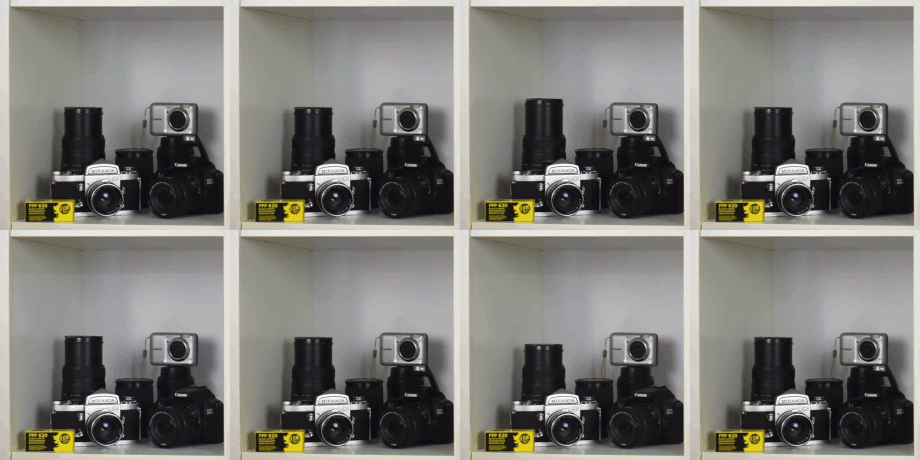
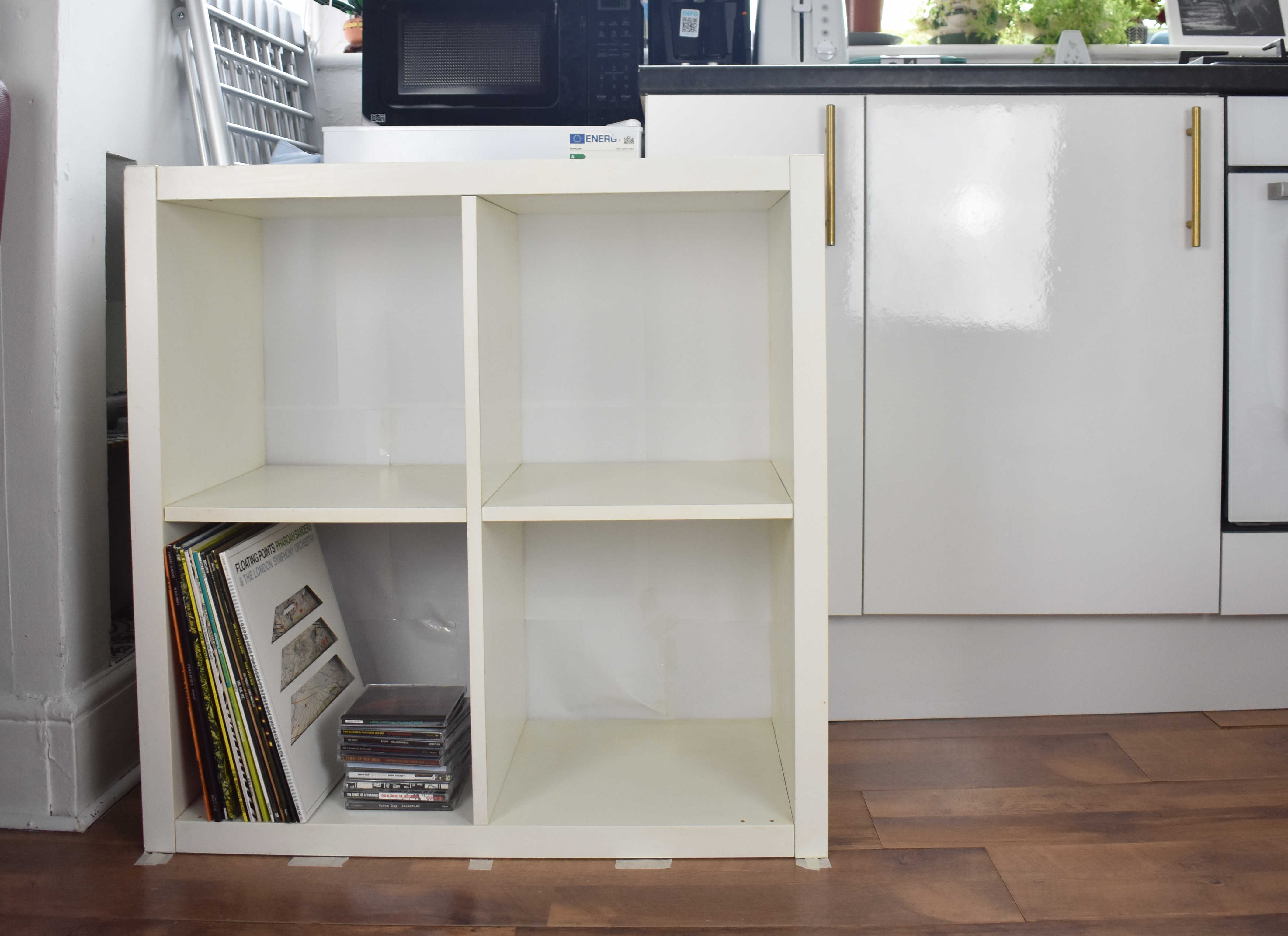
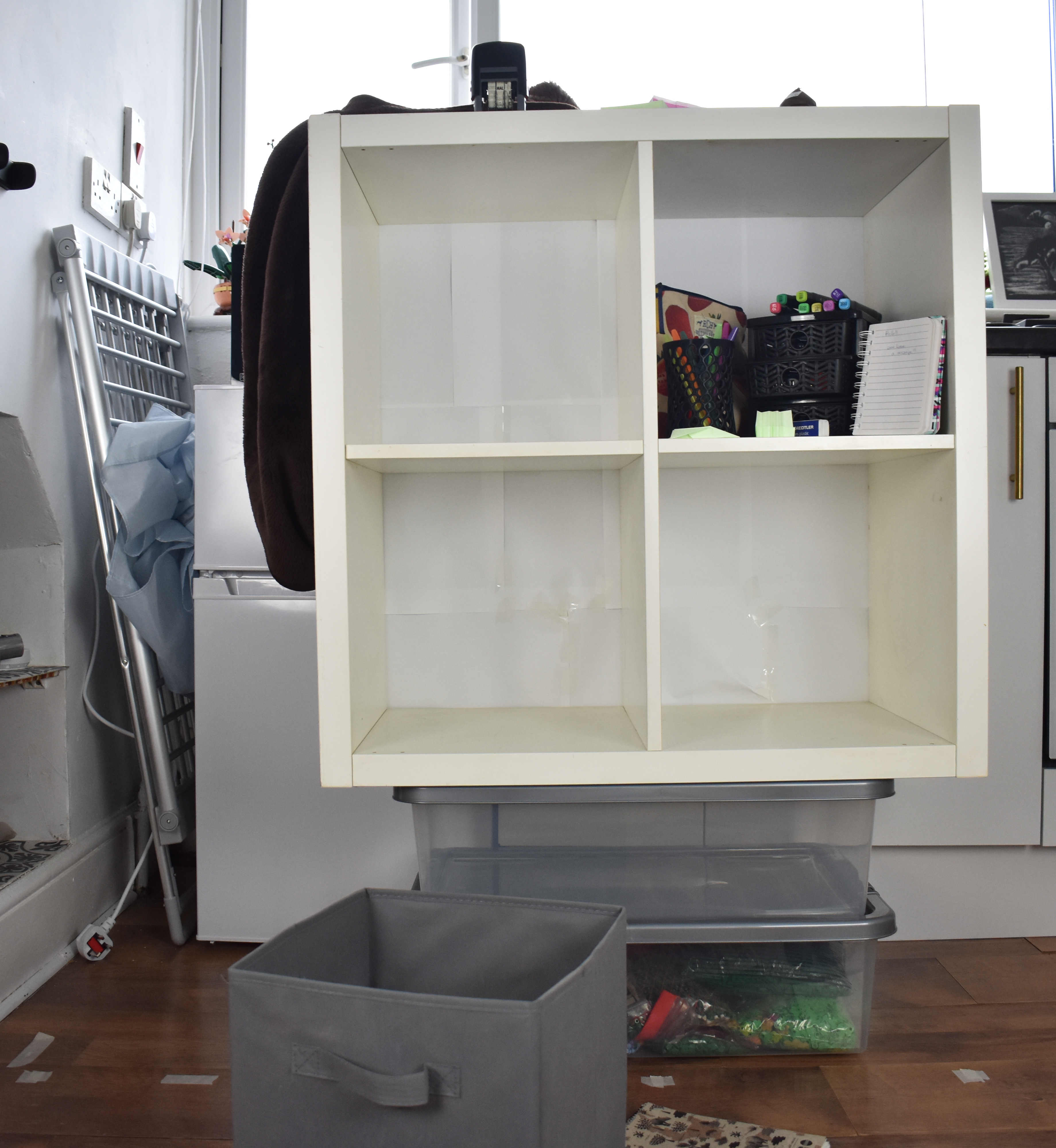
We went into it with a rough idea of how we were going to shoot it. Line up Luke's ikea kallax and the camera, mark the ground where everything was, then take measurements to see where things needed to move to. This solved our main issue of having a 2x2 kallax but aiming for a 3x3 end product.
You can see in the images, our very precise way of raising the height of the boxes
Once each shot was lined up, we took one photo per frame of the stop motion. Then luke scrubbed through them to make sure the camera wasn't bumped in between, and we would move onto the next shelf
Editing!
Once all the pictures had been taken (around a ~8 hour shoot with lunch break), Luke used the photos to make a middle shelf that spanned the height of 3 boxes, then I stuck all the shelves together
One thing that you may notice in the unedited photos above, is that the photos are at an angle. roughly 1 degree (depending on the shot). This is mostly because of the floor in that room being uneven asf and we entirely forgot and didn't account for it
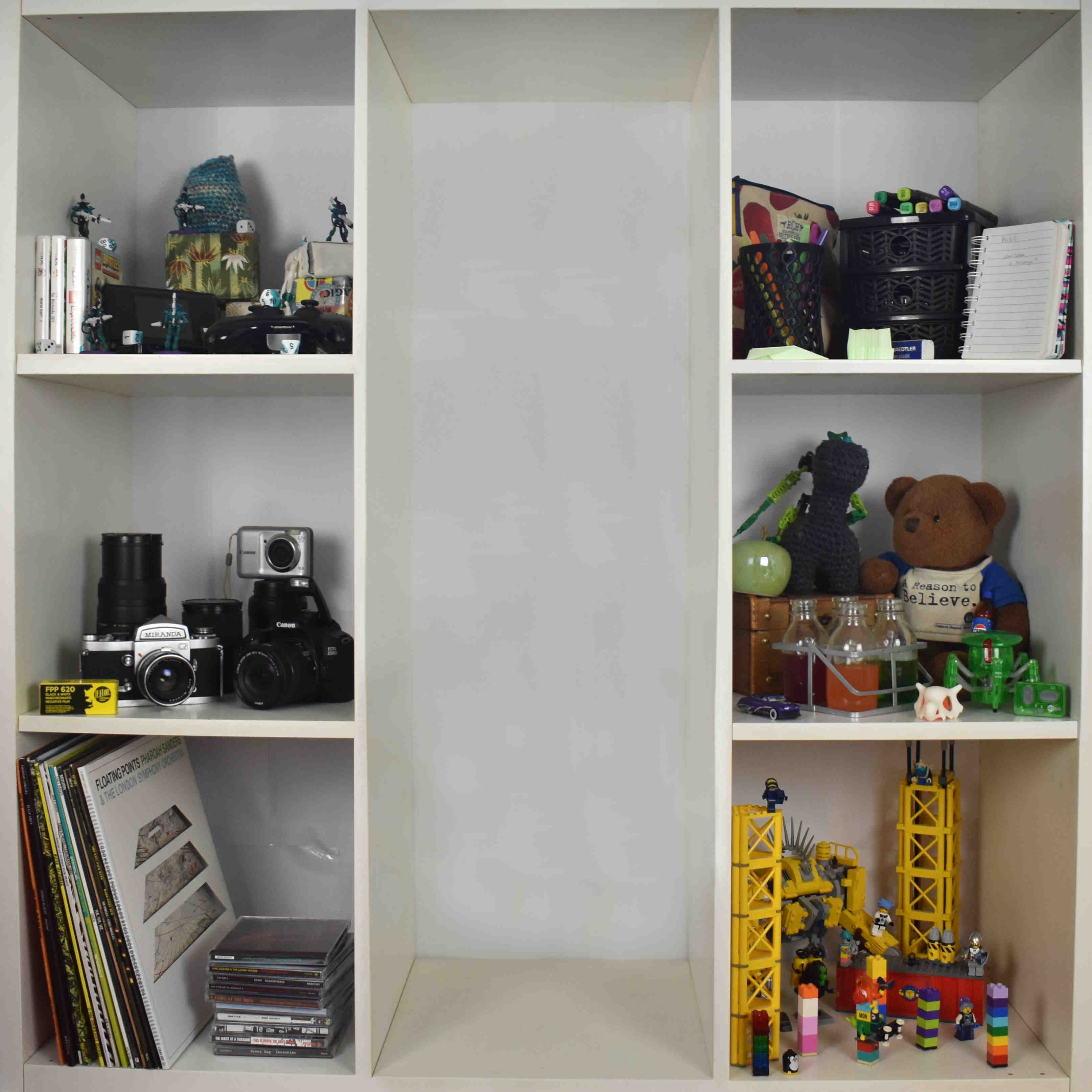
Anyway I then made an initial frame of the whole 3x3 together, and used those inital positions to line up each box individually
The frame was then cropped to the desired size so that I could split the boxes evenly.
Final Frame
Once everything lined up and each frame was overlayed on each box in order, I saved the images as GIFs. All 7 box GIFs (6 small 1 long) are saved with the GIF on one half and starting frame on the other. So when the webpage loads, all the GIFs load with it and there's no lag when a box is hovered over initially, the background is just offset to show the required half.